StorageFox
StorageFox helps you understand and reclaim disk space. Scan any folder and explore its contents with interactive treemaps and sortable tables, so large files and space-hungry folders are easy to find.
Get StorageFox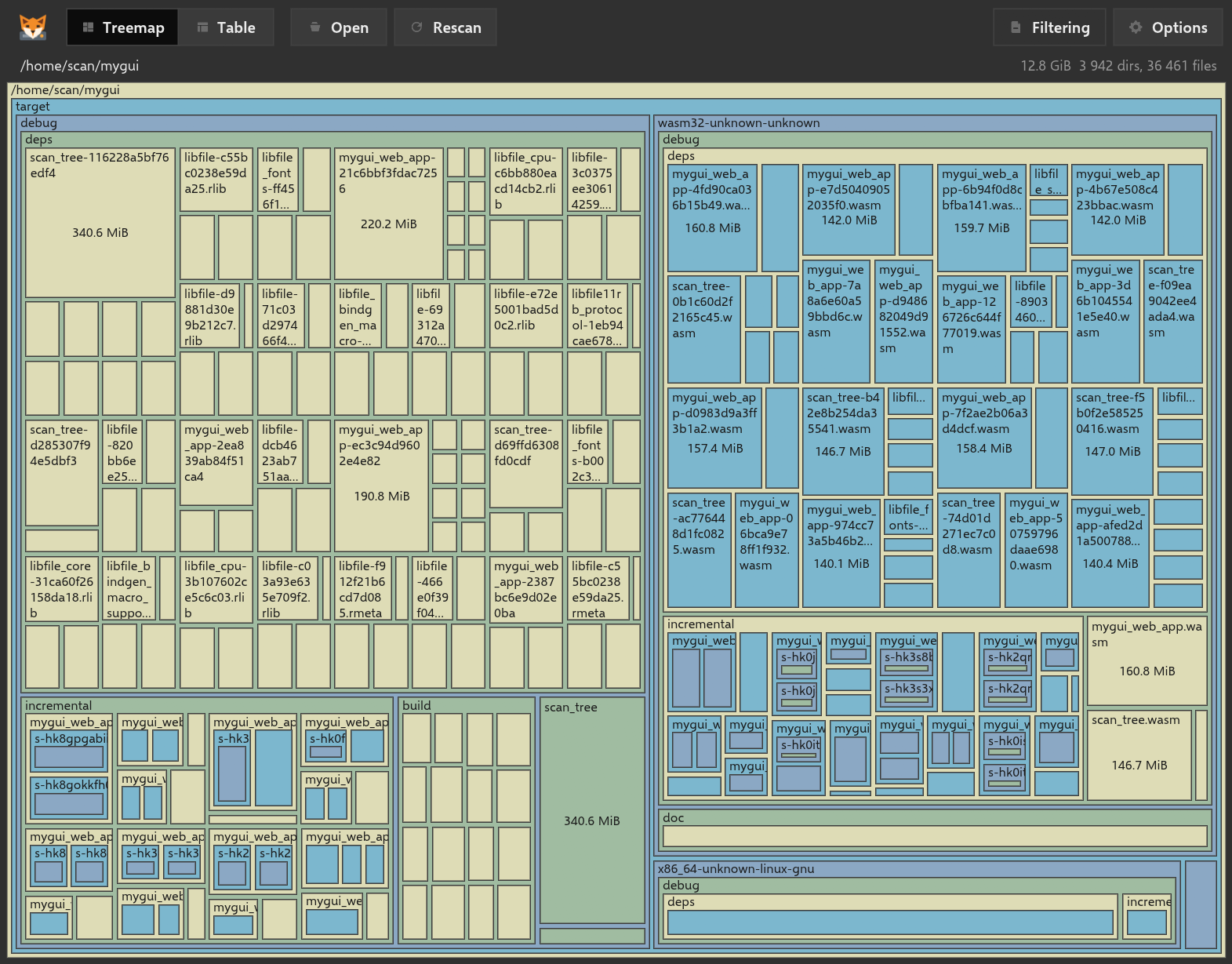
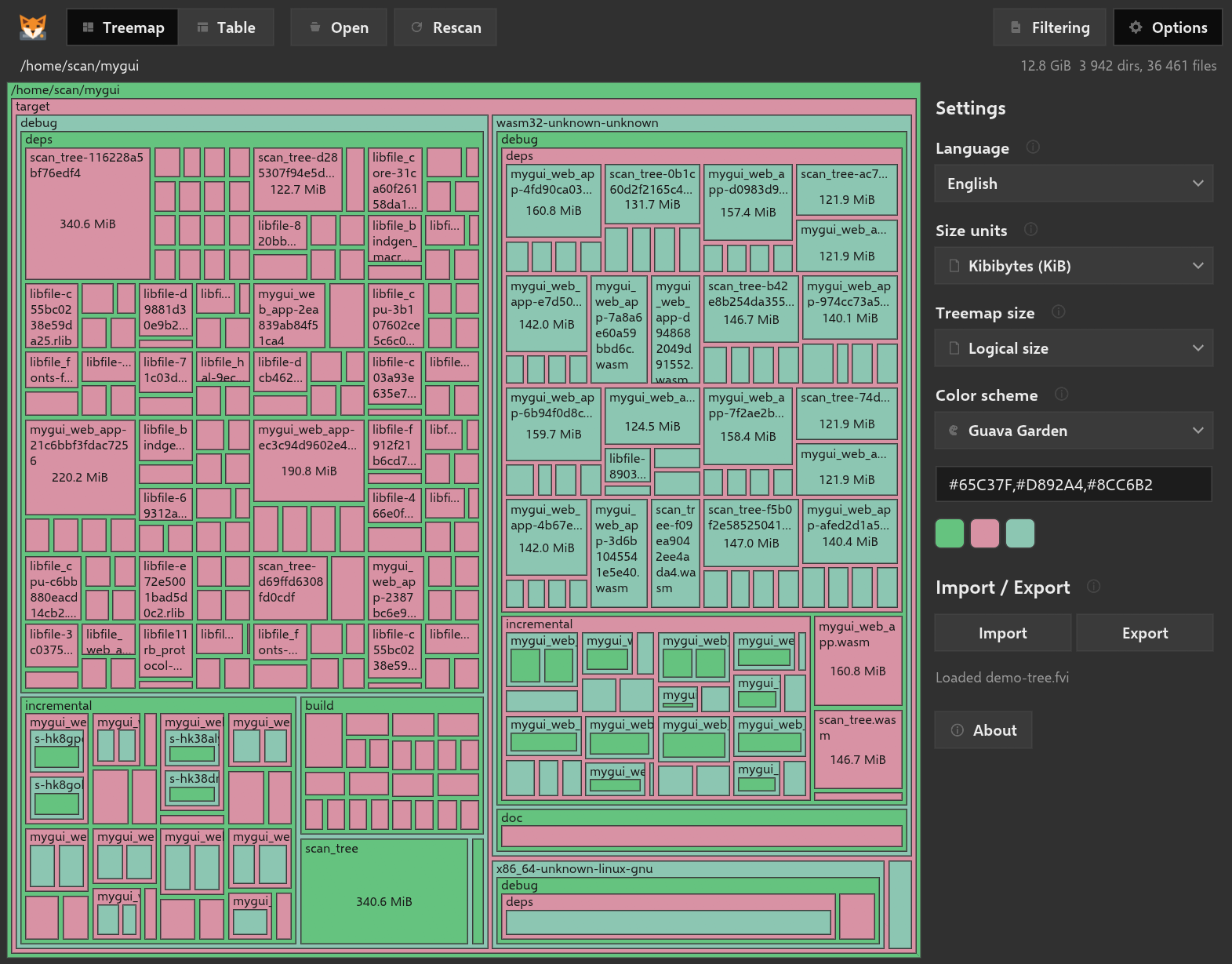
Disk space can disappear a little at a time until finding what is using it becomes a job of its own. StorageFox scans any folder you choose and turns thousands of files into a view you can understand at a glance.
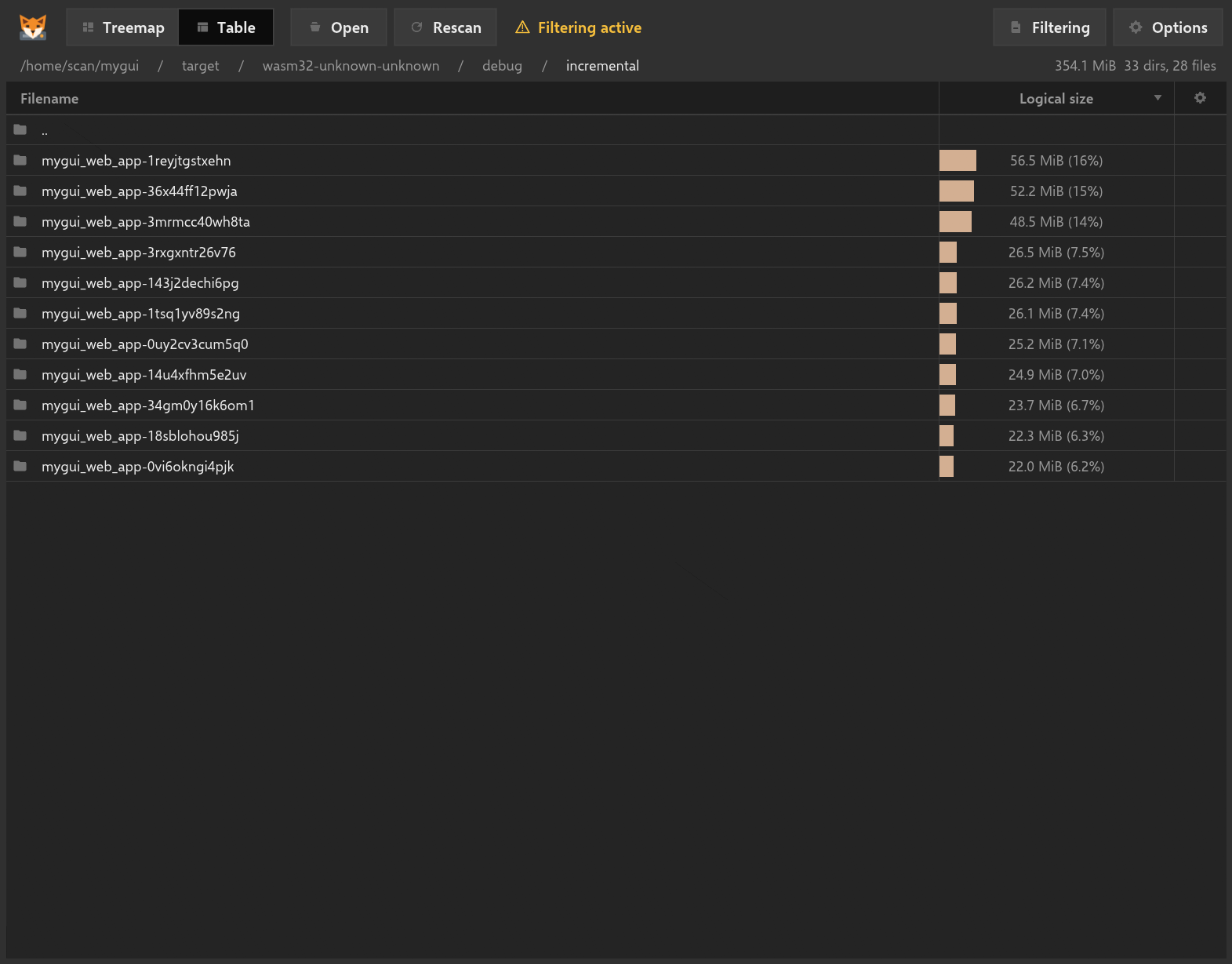
Use the interactive treemap to spot the files and folders taking up the most room, or switch to a sortable table for a more detailed view. Navigate through the folder hierarchy without losing the context of the original scan.
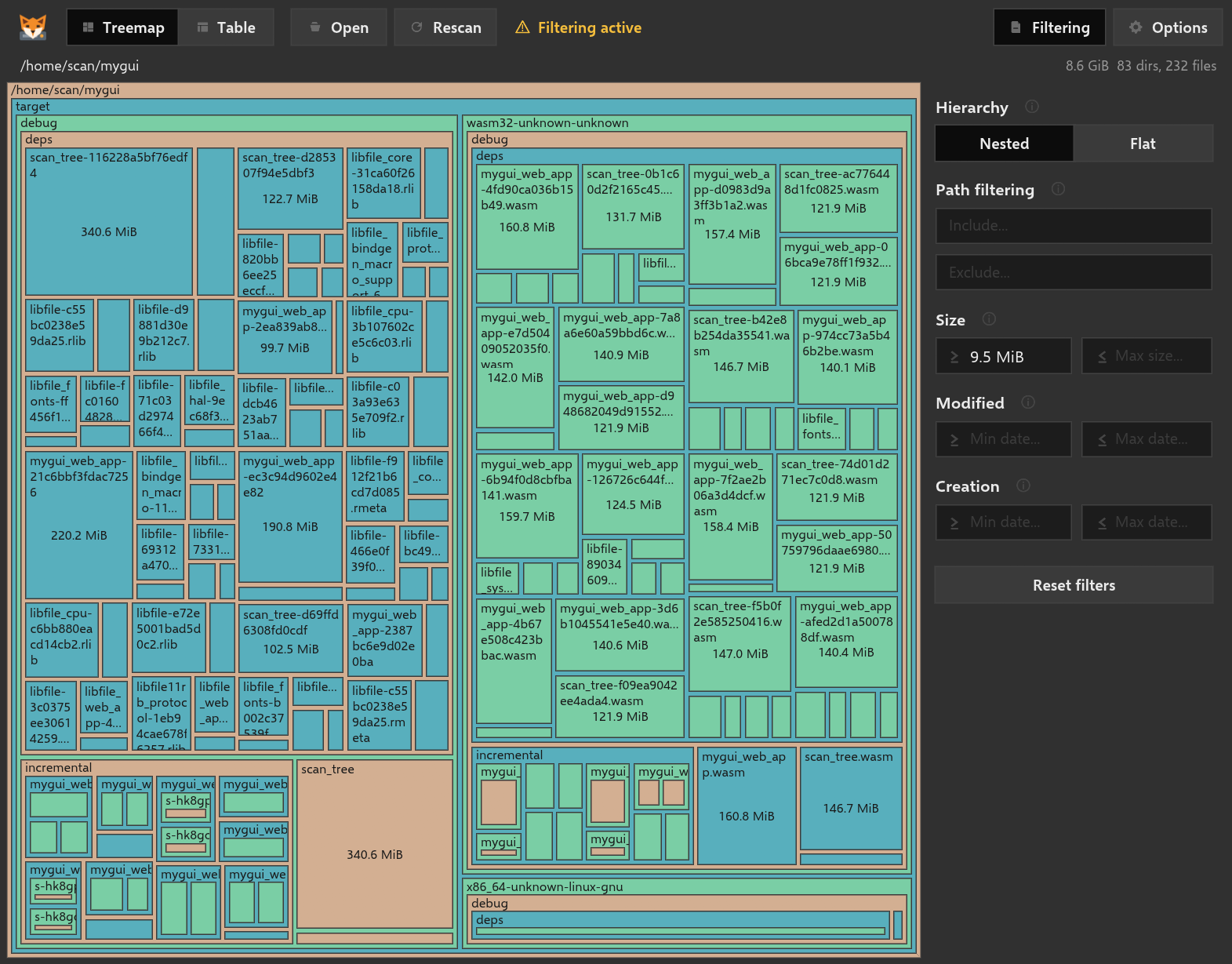
Filter results by name, size, creation date, or modification date. Switch between folder, file extension, creation date, and modification date views to investigate storage from the angle that best answers your question.
When a scan is worth keeping, save it as a StorageFox snapshot in the .fvi format. Open it later to continue exploring without scanning the folder again.
Scan any folder
Choose a folder on your PC and analyze how its files and subfolders use disk space.
Treemap or table
Explore storage visually with an interactive treemap or inspect it precisely in a sortable table.
Find what is large
Bring oversized files and space-hungry folders to the surface without opening them one by one.
Flexible filters
Narrow results by filename, size, creation date, or modification date.
Multiple views
Group results by folder, file extension, creation date, or modification date.
Reusable snapshots
Save scans in the StorageFox .fvi format and reopen them later without scanning again.
Windows
See what is using your disk.
Get StorageFox from Microsoft Store and turn a crowded drive into a clear picture of what is taking up space.